

Free high-speed wifi
Make the most of your time during your flight
We are progressively equipping our aircraft to offer you free and unlimited high-speed wifi. Thanks to Starlink wifi, enjoy a stable, secure, and seamless connection wherever you are. This service is reserved for our Flying Blue members. Joining is easy and free.

Stay in touch
Make the most of your trip while staying connected with your loved ones.
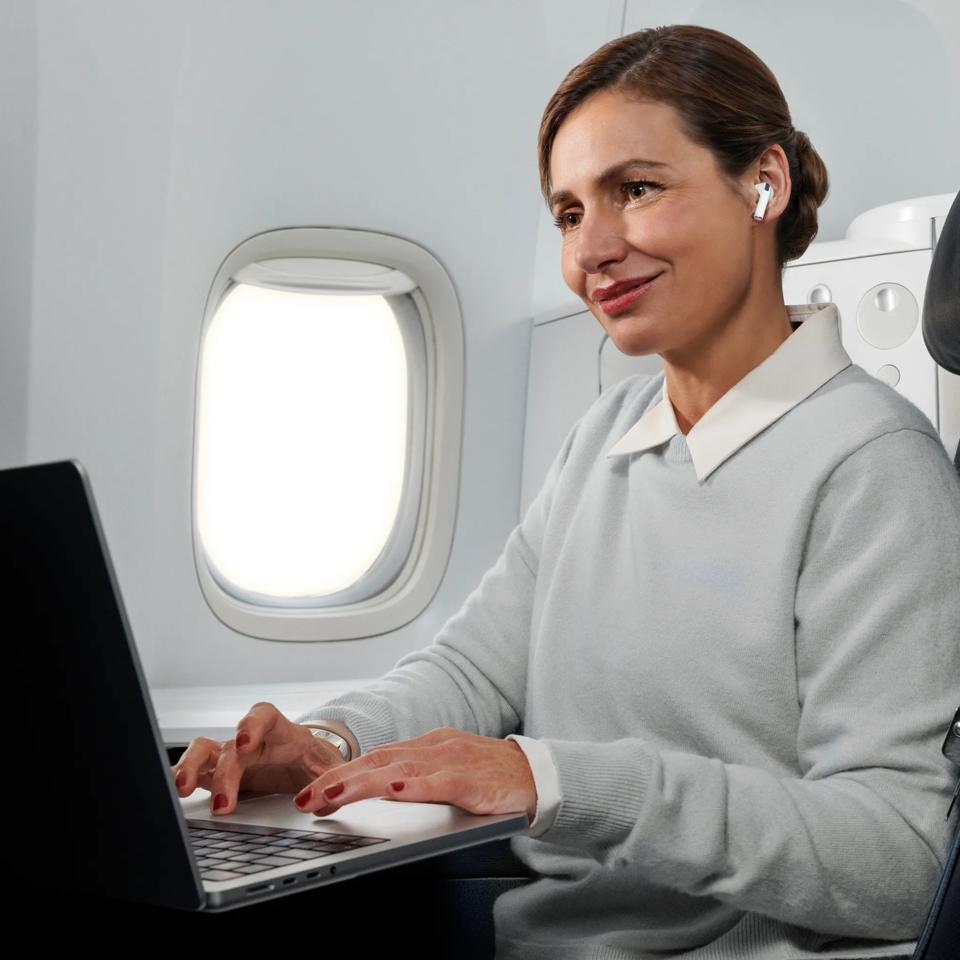
Work remotely
Check your emails and documents, access your online tools, and use your flight time to work on your goals calmly.
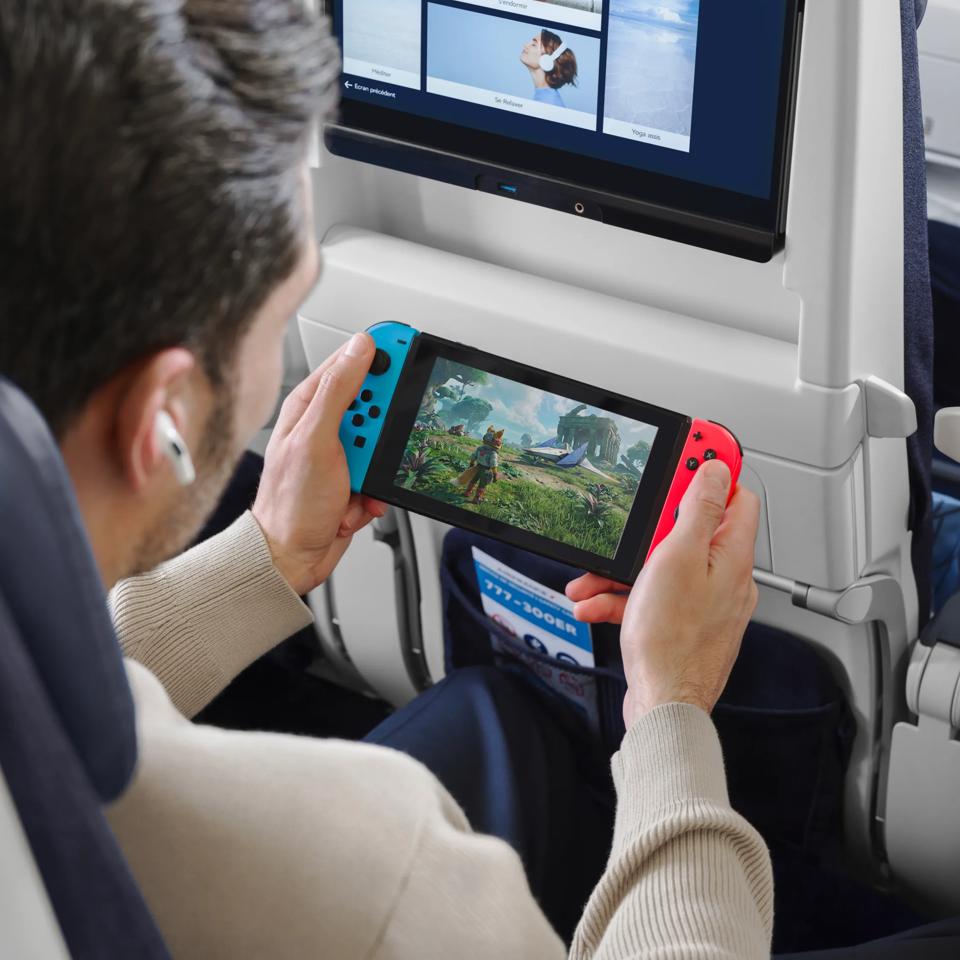
Watch, listen, and play
Enjoy an in-flight entertainment experience tailored to you. Films, TV shows, music, online games, or browsing your favorite websites: the choice is yours.
Get connected in just a few clicks
Select the “AirFranceWifi” network in your device settings. Check that airplane mode is turned on. If you are using a VPN, please turn it off. Go to the “AirFranceWifi” login portal. If the portal does not open automatically, type “wifi.airfrance.com” into your browser. Enter your Flying Blue login details using your email address or membership number and your password.
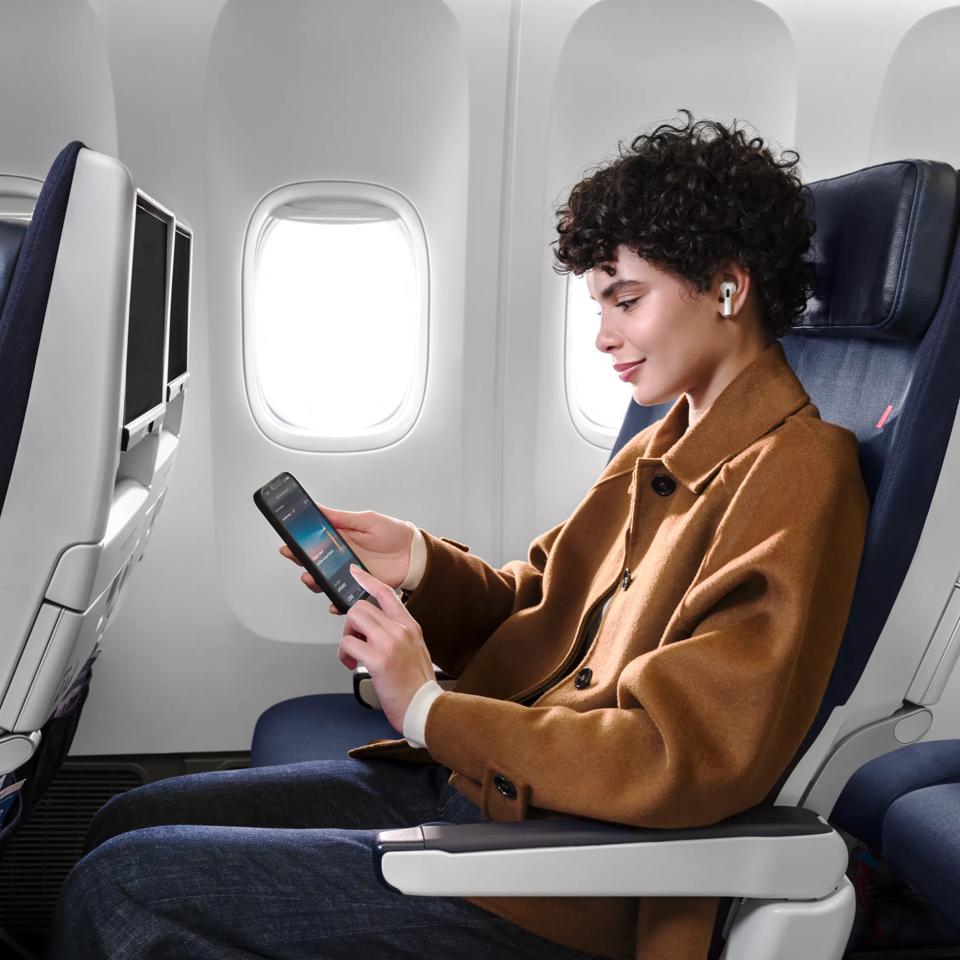
For everyone’s comfort and peace of mind
To ensure everyone’s comfort and to help maintain a quiet atmosphere on board, we kindly ask that you use your electronic devices discreetly.
Out of respect for everyone’s privacy, we also ask that you do not photograph or film passengers or crew without their permission.

Our answers to your questions
The aircraft assigned to a specific flight may change up until the day of departure, so unfortunately it is not possible to confirm which wifi service will be available at the time of booking.
Yes, you can use your VPN or private relay on board. However, you will need to turn it off while connecting. You can turn it back on once connected.